In an age where we juggle multiple phones, work numbers, and personal devices, the idea of an app that automatically forwards your text messages to another phone, email, or even Telegram sounds like a dream come true. Forward SMS, developed by Parveen Kapoor, does exactly that. It promises to sync your SMS and notifications across devices, run silently in the background, and even auto-reply to messages. With over 4,600 reviews on Google Play, it clearly fills a niche. But as with any app that asks to handle your most private communications, the question isn’t just “does it work?”—it’s “should you trust it?”
What Exactly Does Forward SMS Do?
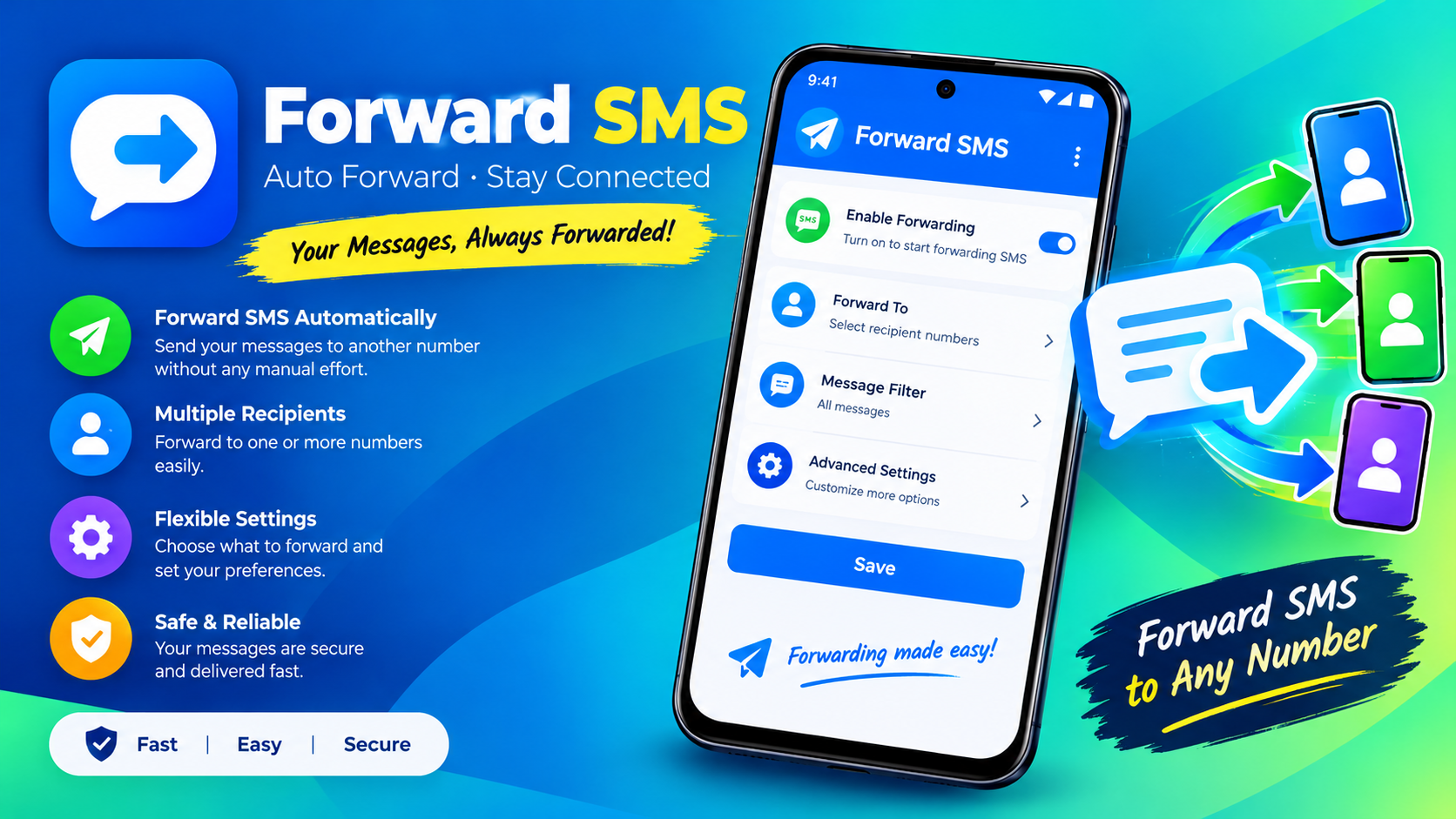
According to its Google Play listing, Forward SMS is a utility designed for people who need to stay connected across multiple devices. The core features are straightforward and genuinely useful for specific scenarios:
- Forward SMS to phone numbers, email, Telegram, or a URL.
- Auto-reply to incoming texts.
- Forward notifications for missed calls, incoming calls, outgoing calls, low battery, phone shutdown, and phone startup.
- Advanced rules for multiple recipients, custom templates, and scheduling.
- Offline message queuing—messages received while you’re offline get forwarded once the connection is restored.
The app positions itself for users who own multiple phones, work in places that restrict personal devices, travel internationally, or simply want a backup of their SMS on a laptop or another phone. On paper, it’s a clever solution to a real problem.
The Permissions: A List That Should Give You Pause
Here’s where things get serious. To do its job, Forward SMS needs deep access to your device. The permissions listed on its Play Store page include:
- READ_SMS – Read your text messages.
- RECEIVE_SMS – Intercept incoming SMS.
- RECEIVE_MMS – Intercept incoming MMS.
- SEND_SMS – Send SMS messages on your behalf.
- READ_CONTACTS – Access your contact list.
- READ_CALL_LOG – Read your call history.
- INTERNET – Full network access.
These aren’t casual permissions. When you grant READ_SMS, RECEIVE_SMS, and SEND_SMS to any app, you are essentially giving it the keys to your entire text message history and the ability to send messages as you. That is an extraordinary level of trust. The app’s own privacy policy acknowledges that it requests these permissions at runtime and only “those permissions which are required for proper functioning”. But the sheer scope of what “proper functioning” requires here is exactly what makes users nervous.
The Privacy Puzzle: What the Developer Claims vs. What the Data Shows
On the surface, the developer’s privacy stance sounds reassuring. The Google Play Data Safety section states that the app does not collect or share data with third parties, and data is encrypted in transit. The privacy policy elaborates that SMS data is only transmitted to the app’s server if the user selects forwarding via email or Telegram, and that this data is processed “ephemerally” and removed as soon as it reaches the recipient.
However, independent analysis tells a more complicated story. The Exodus Privacy platform, which performs static analysis of Android APKs to identify embedded trackers, has analyzed multiple versions of Forward SMS. The report for version 2.1.16 (the latest at the time of this writing) found 3 trackers in the application, categorized under crash reporting and analytics. The report also lists 22 permissions, including several marked as “Dangerous” or “Special” levels by Google’s protection standards.
This doesn’t automatically mean the app is malicious. Crash reporting and analytics trackers are common in free apps and often used to improve stability. But it does mean the claim of “no data collection” is not entirely accurate in practice—some data (likely device information, crash logs, and usage patterns) is being collected by these third-party libraries.
User Reviews: Mixed Signals and One Loud Warning
With 4,630 reviews, Forward SMS has a substantial user base. Most of the visible reviews are positive or neutral, with users praising its usefulness for their specific needs. But a few stand out. One review from November 2022, which received two “helpful” votes, is blunt and alarming: “Virus software, do not download” (translated from Chinese)[citation:source].
This single review is not proof of anything. It could be from a user who misunderstood the app’s permissions, experienced a compatibility issue, or had a genuine security concern. But it’s a reminder that in the world of SMS forwarding apps, trust is fragile and the stakes are high. When an app can read, intercept, and send your text messages—messages that often contain two-factor authentication codes, personal conversations, and sensitive information—even a single credible warning deserves attention.
The Broader Context: Free Apps and the Cost of Convenience
Forward SMS is a free app. It doesn’t appear to have in-app purchases or a subscription model, at least not prominently. So how does it sustain itself? The presence of analytics trackers and the AD_ID permission (found in the Exodus report) suggests that data collection, likely for advertising or analytics purposes, plays a role in the app’s business model.
This is not unique to Forward SMS. It is the standard trade-off of the free app economy. But when the app in question handles your private communications, that trade-off becomes much harder to swallow. You are not just exchanging ad views for a game; you are potentially exchanging access to your messages.
Should You Use It? A Practical Verdict
Forward SMS is a functional tool that solves a real problem for a specific group of users. If you genuinely need to forward SMS from one device to another and you understand the risks, it may be worth considering. But you should go in with your eyes open.
If you decide to use it:
- Never forward messages from your primary personal number that receives sensitive 2FA codes or private conversations.
- Use it on a secondary device or number dedicated to the forwarding task, if possible.
- Review the forwarding rules carefully so you don’t accidentally send messages to unintended recipients.
- Understand that granting SMS permissions is a serious step. Once an app has these permissions, it can technically do anything with your messages.
If you prioritize privacy:
- Consider whether you actually need the app. Could you achieve the same result with your carrier’s built-in forwarding features or a more established, open-source alternative?
- Look for apps with fewer trackers and a more transparent privacy model.
Forward SMS is not necessarily a “virus,” as one reviewer claimed. But it is an app that asks for an enormous amount of trust and provides limited transparency in return. In the world of SMS forwarding, the most valuable data you have is your messages. Think carefully before you hand them over.